Free app for making karaoke videos
SingPlay is a free audio and video editing app that lets you create your own karaoke videos. The app is developed by NexStreaming Corp with the aim of providing users an easy platform for creating their own cover videos or karaoke for other people to sing along to.
Top Recommended Alternative

Singplay is similar to Sing! Karaoke and Red Karaoke in making the singing hobby accessible to a lot of people around the world. However, the NexStreaming app not only lets you create cover videos or karaoke, but also just sing along to tracks from your music library.
Record your own sound
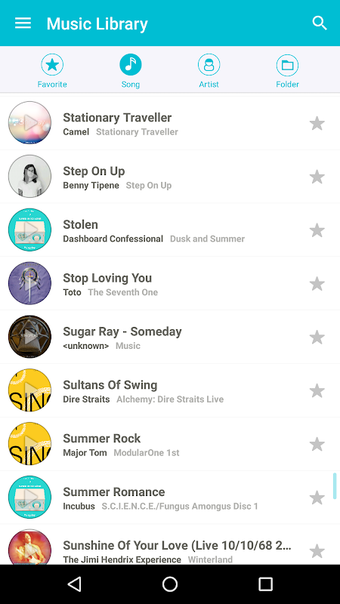
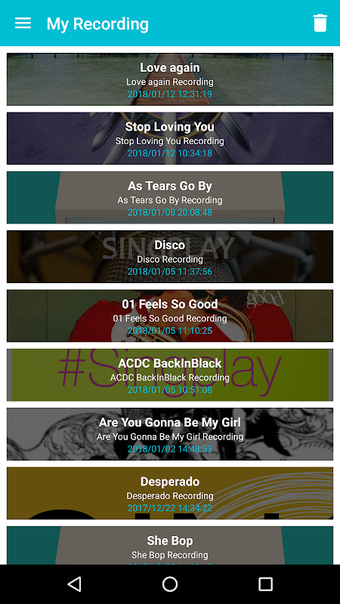
SingPlay makes sure that even beginners can go right to singing to their favorite tunes. With its Music Library, you can browse the songs that are currently available together with a pair of buttons–one for Karaoke Mode and another for marking the song as a favorite. Once you choose a song, you’ll see whether Karaoke Mode is engaged or not with a button at the bottom center of the screen.
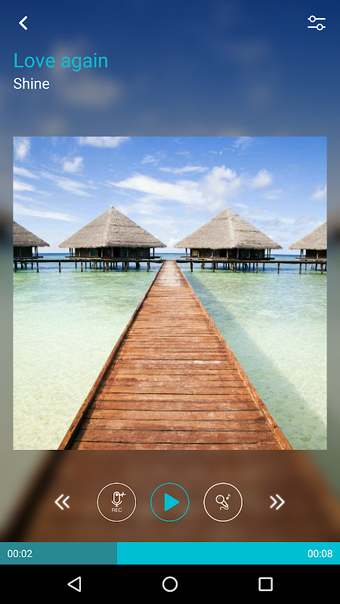
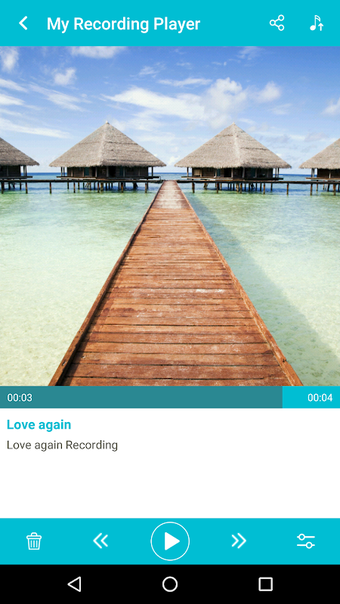
Additionally, the app uses an interface design that’s similar to most music players, making it easy to play and navigate through songs, whether you want to sing along or not. Songs display the title, artist, album, and even cover art whenever available. Even more interesting is that the app allows you to adjust the tempo and the pitch of the song to your liking.
Although it is easy to use and has a lot of features to make your karaoke and recording sessions convenient, there are a few problems reported by users. Some noted how the app crashes in the middle of playing a song, leaving your progress unsaved and requiring you to restart. Also, there are instances where the recorded music is not saved into your device, despite following all necessary procedures.
An accessible singing companion
SingPlay succeeds in making its app appear less complicated and less technical than other karaoke and recording apps, with its intuitive interface and its controls that are easy to locate and use. While some users have reported issues with the app, these are not prevalent and don't always happen every time. If you’re looking for a free and easy-to-use karaoke app, this is worth a try.